Announcing the Opinly MCP: Connect Your SEO Data to ChatGPT & Claude

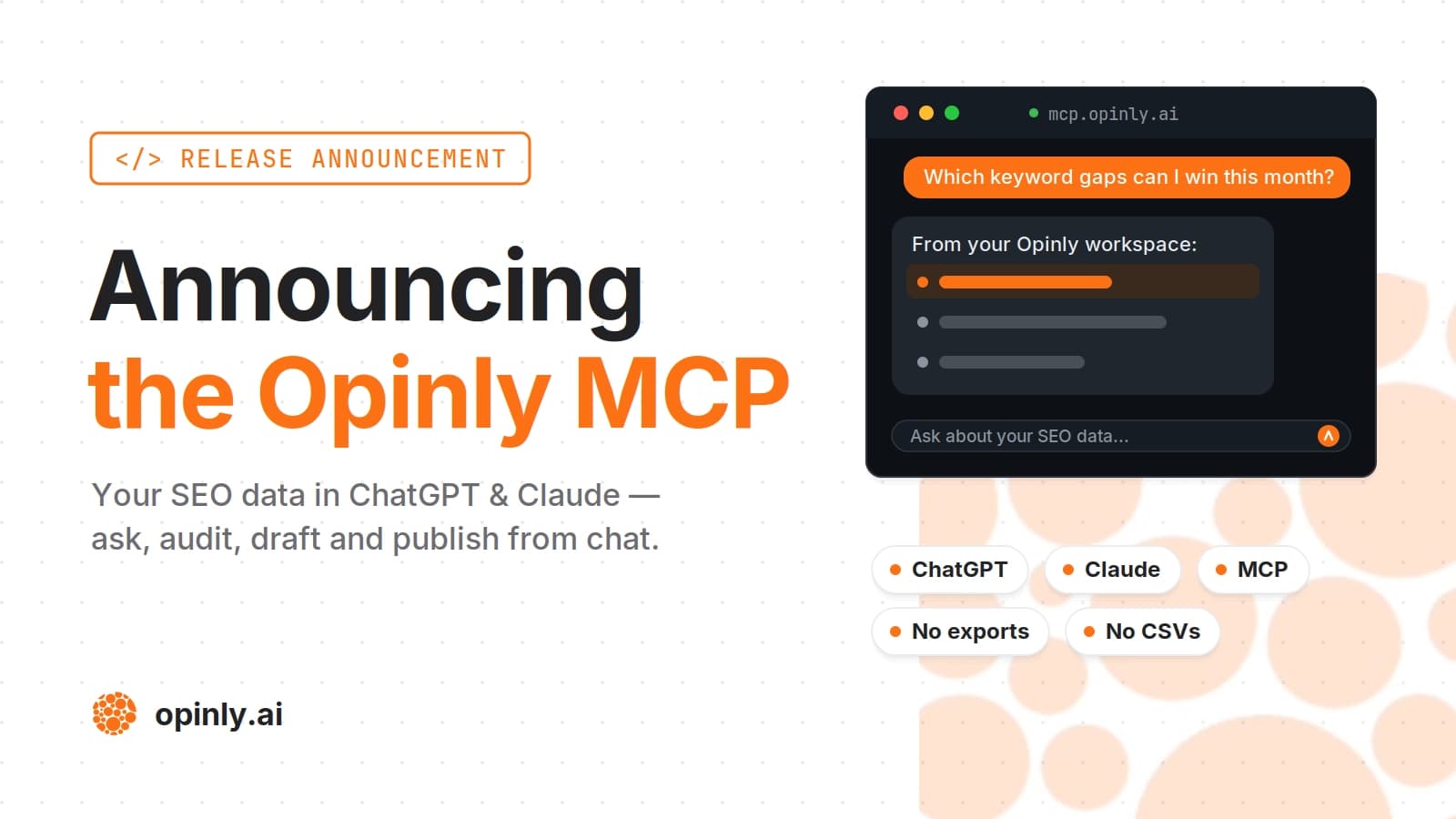
ChatGPT and Claude can talk about SEO all day, but they can't see your rankings, your competitors, or your site. The Opinly MCP server fixes that. It connects your Opinly account to ChatGPT and Claude so your assistant can read your actual data (keywords, competitors, backlinks, site audits, content performance, AI-search visibility) and act on it. No exporting CSVs, no pasting screenshots into the chat.
What is the Opinly MCP?
MCP (Model Context Protocol) is an open standard for connecting AI assistants to tools and data. The Opinly MCP is a server that plugs your Opinly workspace into your assistant. Once linked, ChatGPT or Claude can query your data in plain English and answer based on what is actually happening in your account instead of giving generic advice.
It works in both directions: your assistant can pull insights and take action on your behalf.
What you can ask it
Some examples:
"Which of my competitors gained the most keywords this month, and what are they ranking for that I'm not?"
"Audit my site and give me the top 5 technical issues to fix first."
"Where am I being mentioned in ChatGPT answers, and which competitors are winning those answers?"
"Find keyword opportunities under difficulty 30 with commercial intent, and draft a post targeting the best one."
"Schedule that post for next Tuesday."
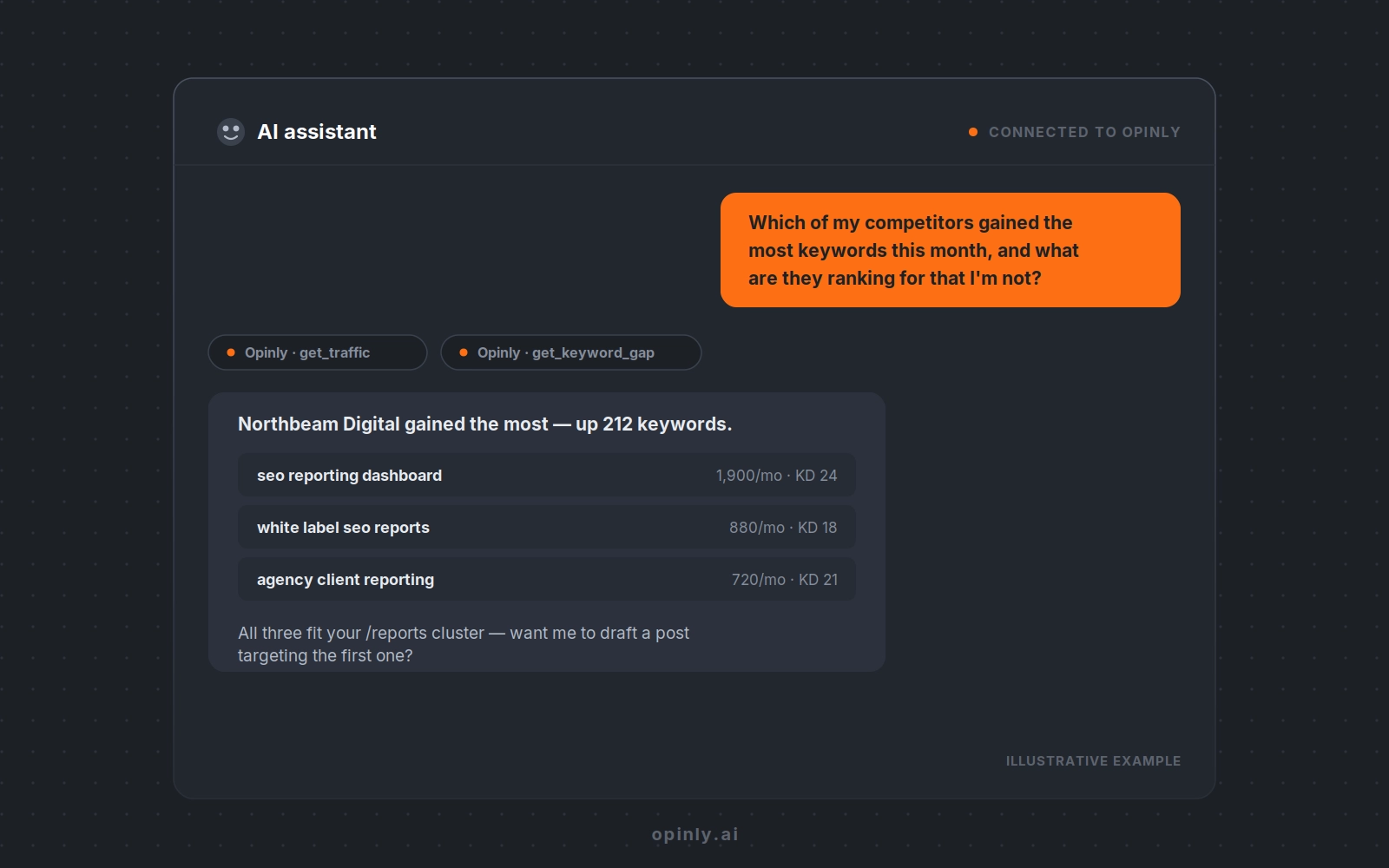
Read, advise, act
The connector covers your whole workspace.
Read. Competitors, ranked keywords with difficulty and intent, keyword and backlink gaps, site audits, per-page performance, traffic and backlink history, blog structure, and AI-search visibility (how your brand shows up in AI answers).
Advise. The assistant weighs what it reads and tells you what matters: which issues to fix first, which gaps are winnable, whether a competitor's move is a threat or just noise, and what to write next.
Act. Create, edit, schedule and publish posts. Upload images. Track and untrack keywords. Organise content into topic clusters. Add and remove competitors.
Because the assistant chains these tools itself, it can handle a full job like "review my blog, find the gaps, and draft posts to fill them" in one conversation.
How to connect it
It takes about a minute, no code required.
In Claude, it's now one click: Opinly is live on the Claude connector directory — open the Opinly listing, hit Connect, and sign in.
In ChatGPT (or any other MCP client), add it manually:
Add a new connector.
Point it at the Opinly MCP server URL:
https://mcp.opinly.ai/mcpSign in with your Opinly account and approve access.
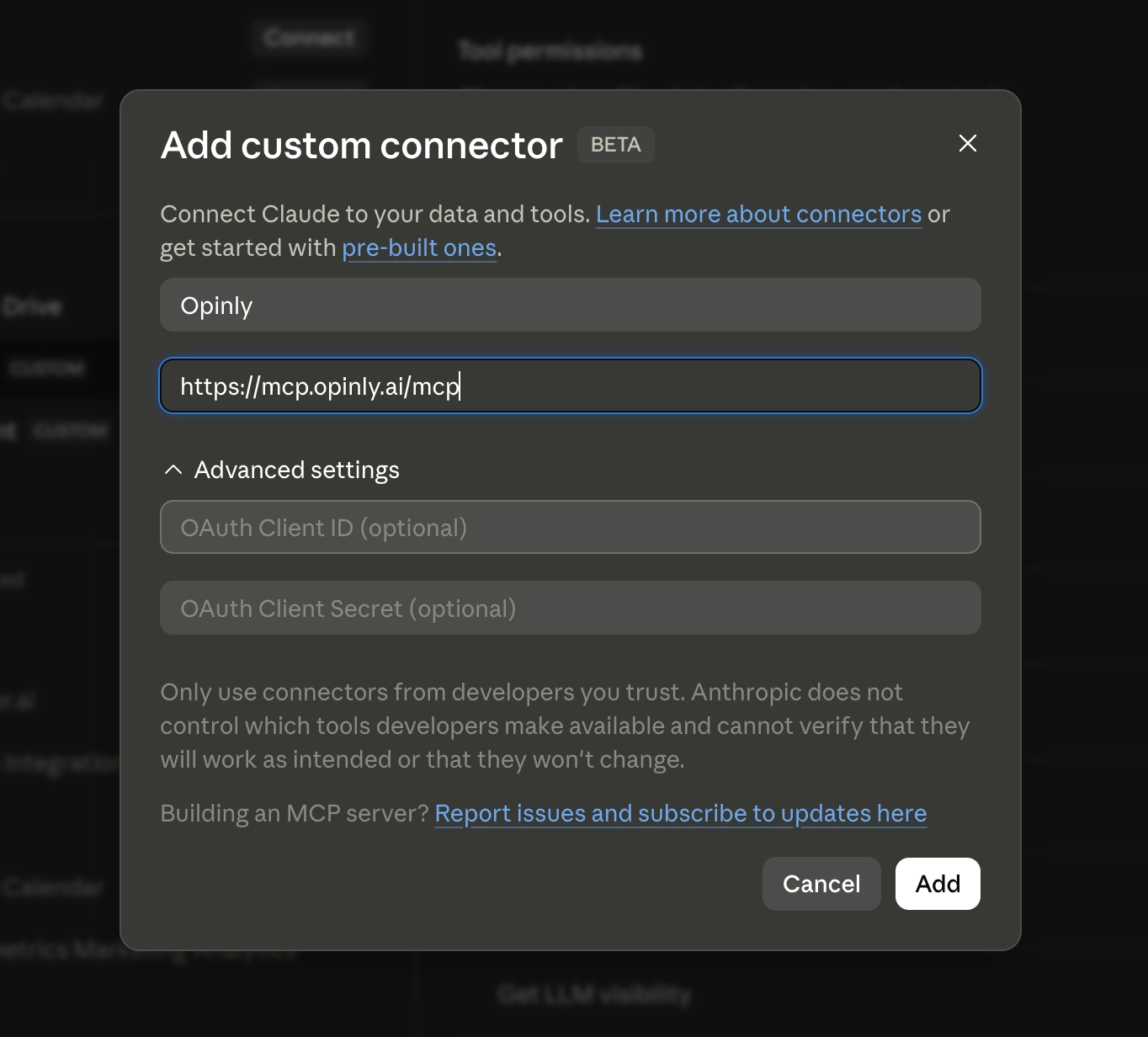
That's it. From then on, your assistant can see your Opinly data in any conversation.
For the longer version — the free Google servers, service accounts, verifying the connection actually returns good data, and troubleshooting it when it does not — see how to connect your SEO data to Claude. If you are still weighing up options, our comparison of SEO MCP servers covers the whole landscape, and seven SEO workflows you can run from ChatGPT covers what to do once you are connected.
Why we built it
Most SEO work already starts in a chat window. You ask ChatGPT what to write, then open your SEO tool to check the numbers, then go back to the chat. The MCP removes that round trip. Your data now lives where the questions get asked.
And if you render your blog on your own stack, the MCP pairs neatly with the new Opinly SDK v1: the SDK serves your content from your own domain, and the MCP runs the SEO around it from chat.
Get started with Opinly to put your traffic on auto-pilot
Don't wait for the perfect moment. Start building your SEO and LLM presence today with Opinly.