Opinly is now live on the Claude directory

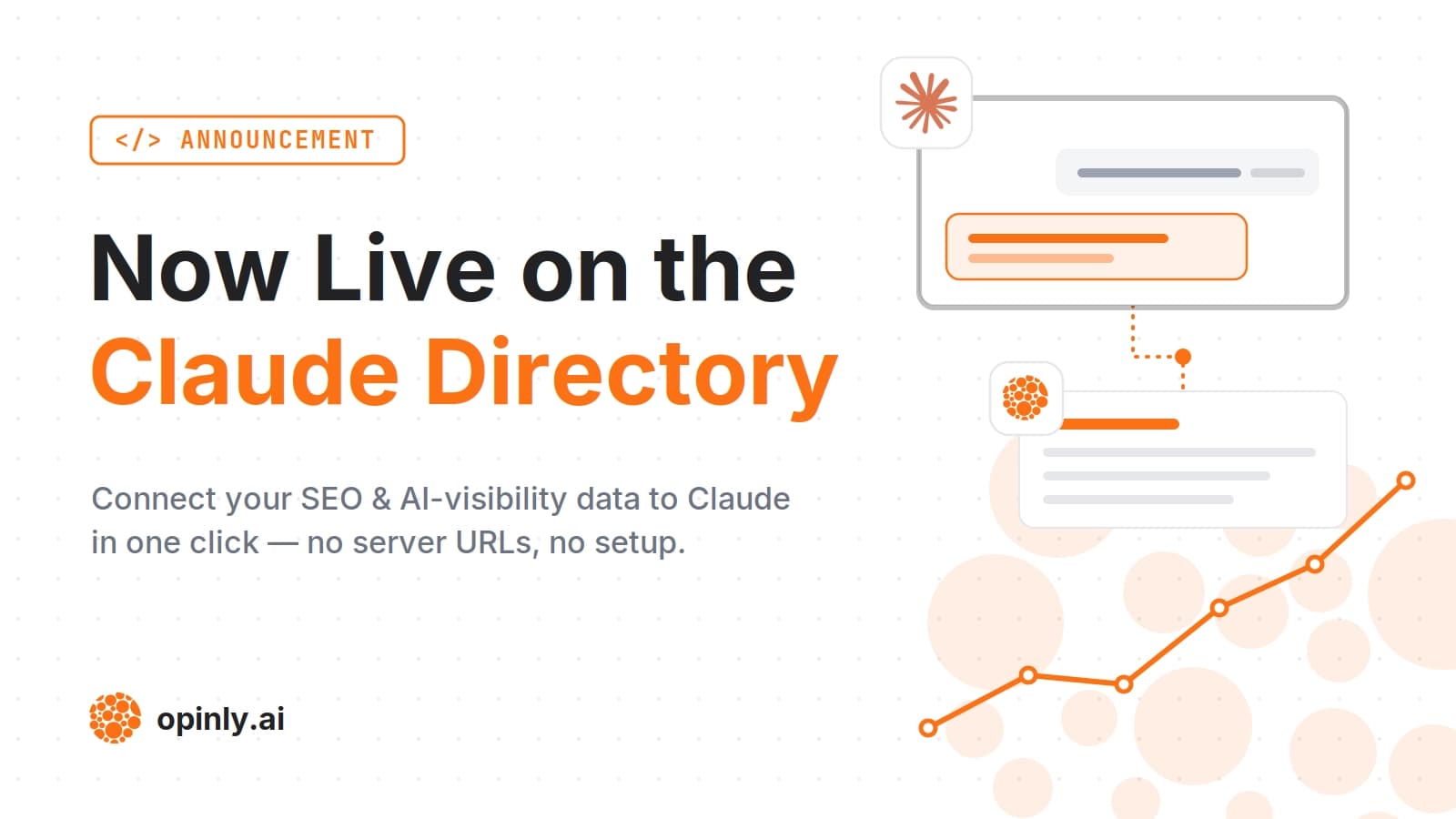
We're excited to announce that Opinly is now live on the Claude directory as an official connector.
If you use Claude, you can now connect your Opinly account and work with your competitive intelligence and content data directly from a conversation — no tab-switching required.
If you've been running our MCP server as a custom connector, the directory listing replaces the manual setup: no pasting server URLs, no configuration — just click Connect and sign in with your Opinly account.
What you can do with it
Once connected, Claude can talk to your Opinly data in real time:
Competitors — add, remove, and review the competitors you're tracking
Content — draft, edit, tag, and publish blog posts straight from a chat
SEO & AI visibility — pull keyword rankings, backlink data, traffic trends, and LLM visibility comparisons
Site health — check site audit results and page-level signals
Instead of jumping between dashboards, you can just ask — "what's our LLM visibility versus [competitor]?" or "draft a post about our latest feature" — and Claude handles it using your live Opinly data.
Try it out
Open Opinly on the Claude directory — or search for Opinly in the connector directory inside Claude — and connect your account to get started.
New to connecting SEO data to AI assistants? Our guide on how to connect your SEO data to Claude walks through every option, and our roundup of the best SEO MCP servers shows how Opinly compares to the rest.
We'd love to hear what you think — if something feels off or you'd like to see a capability added, let us know through the feedback tool built into the connector, or reach out directly.
Get started with Opinly to put your traffic on auto-pilot
Don't wait for the perfect moment. Start building your SEO and LLM presence today with Opinly.