Mastering SearchGPT: A Step-by-Step Guide for Intermediate Users
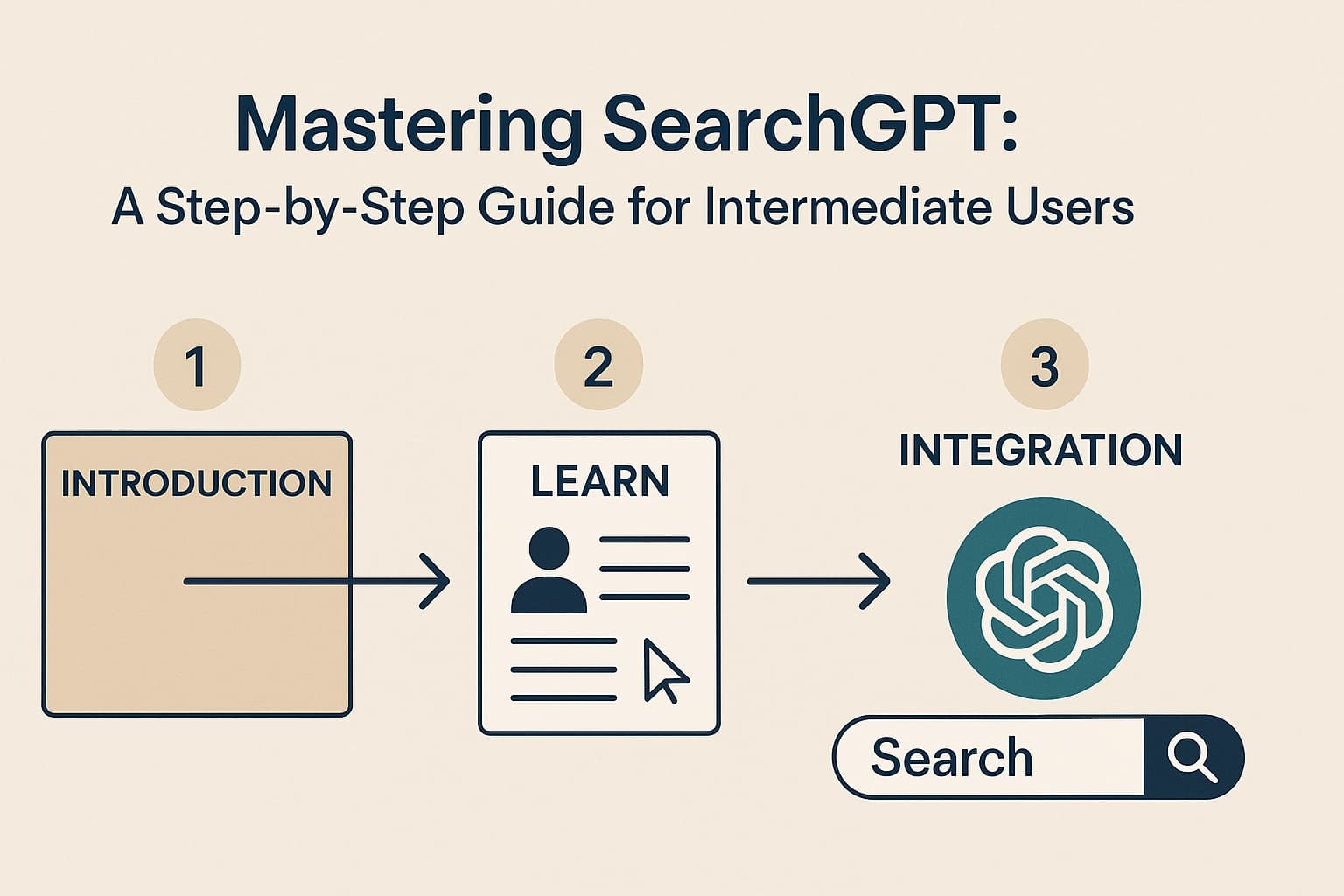
Introduction
Learn how SearchGPT is revolutionizing the search engine landscape with advanced AI capabilities and real-time data access. As traditional search engines begin to show their age, SearchGPT, developed by OpenAI, is stepping forward as a pioneering AI-powered search tool. It offers users real-time web search capabilities, ensuring that the information retrieved is both accurate and up-to-date. With the increasing integration of AI in our daily lives, search tools like SearchGPT are becoming indispensable. This guide will walk you through the essentials of using SearchGPT effectively, highlighting its advantages and how you can integrate it into your daily tasks for enhanced productivity and user engagement.
Prerequisites and Materials Needed
Understand the Basic Concepts of AI and Machine Learning
Before diving into the functionalities of SearchGPT, it's essential to have a foundational understanding of artificial intelligence (AI) and machine learning (ML). These technologies form the backbone of SearchGPT, enabling it to process and interpret search queries with human-like reasoning. AI encompasses a broad range of capabilities, from simple algorithms to complex neural networks, which are crucial for the real-time data processing that SearchGPT excels at. Machine learning, a subset of AI, involves training models on vast datasets to recognize patterns and make predictions. Familiarizing yourself with these concepts will enhance your ability to leverage SearchGPT's full potential.
Familiarize Yourself with Traditional Search Engines
Having a solid grasp of how traditional search engines operate provides a useful context for understanding the innovations introduced by SearchGPT. Traditional search engines like Google use a combination of indexing and ranking algorithms to retrieve relevant information from the web. While effective, these methods often lack the nuanced understanding of context and intent that AI-powered tools offer. By comparing the two, you can appreciate how SearchGPT’s AI-driven approach improves search accuracy and user experience. This comparison will also help you identify scenarios where SearchGPT’s capabilities can offer superior solutions.
Access to a Device with Internet Connectivity
To utilize SearchGPT, you'll need a device with reliable internet connectivity. This could be a computer, tablet, or smartphone, but ensure that the internet connection is stable to avoid interruptions while accessing real-time search results. High-speed internet also ensures that the tool operates smoothly, providing fast and efficient responses to your queries. As SearchGPT processes data from the web in real time, a robust connection is vital for optimal performance.
Create an OpenAI Account for Accessing SearchGPT
An OpenAI account is necessary to access SearchGPT and its features. Setting up an account is straightforward; visit the OpenAI website and follow the prompts to create a new account. You'll need to provide some basic information and verify your email address. Once your account is set up, you can explore the various tools and services offered by OpenAI, including SearchGPT. Having an account also allows you to customize your settings and preferences, tailoring the search experience to your specific needs.
Install Necessary Browser Extensions or Applications
For a seamless experience, consider installing any recommended browser extensions or applications that enhance SearchGPT’s functionality. These tools can integrate SearchGPT directly into your browsing experience, allowing you to conduct searches without navigating away from your current page. They may also offer additional features, such as voice search or personalized search settings. By incorporating these extensions, you can maximize the convenience and efficiency of using SearchGPT in your daily activities.
Step-by-Step Instructions for Using SearchGPT
Setting Up Your SearchGPT Account and Verifying Access
Begin by setting up your SearchGPT account through the OpenAI platform. After creating your account, ensure that you verify your email address to unlock full access to all features. Verification often involves clicking a link sent to your registered email. Once verified, log into your account and explore the user dashboard. This area provides access to various settings and customization options, allowing you to tailor the search experience according to your preferences.
Navigating the SearchGPT Interface and Features
Upon logging in, you'll be greeted by the SearchGPT interface, designed for intuitive navigation. Familiarize yourself with the layout, including the search bar, recent searches, and settings menu. The interface is streamlined to facilitate easy access to all SearchGPT features, such as advanced search filters and integration options. By understanding the interface, you can quickly locate and use the tools necessary for efficient searches.
Performing Basic Searches and Interpreting Results
Start by entering a query into the search bar. SearchGPT processes the input and returns results based on real-time data analysis. The results are typically presented in a concise format with clear, relevant sources. Take note of how SearchGPT interprets your query contextually, offering nuanced results that traditional search engines might miss. This capability is particularly useful for complex queries that require a deeper understanding of context and intent.
Utilizing Advanced Search Filters and Options
To refine your search results, utilize the advanced search filters and options available within SearchGPT. These tools allow you to narrow down results based on specific criteria, such as date, source credibility, or content type. By using these filters, you can enhance the relevance and accuracy of your search results, saving time and improving efficiency. Advanced options also include search syntax that can be used to specify exact phrases or exclude certain terms.
Integrating SearchGPT with Other Applications for Enhanced Productivity
One of SearchGPT’s strengths is its ability to integrate seamlessly with other applications, enhancing productivity. For instance, you can link SearchGPT with your email client, project management software, or scheduling tools to streamline workflows. This integration allows you to access search results and insights directly within the applications you use most frequently, eliminating the need to switch between different tools.
Customizing Search Settings for Personalized Results
Leverage the customization settings within SearchGPT to tailor the search results to your preferences. You can adjust settings such as language, region, and content type to ensure that the information retrieved aligns with your specific needs. Personalization enhances the relevance of search results, making your searches more efficient and effective. Regularly reviewing and updating your settings can further refine the search experience over time.
Tips and Troubleshooting for Common Issues
Optimizing Search Queries for Better Results
To get the most out of SearchGPT, focus on crafting well-optimized search queries. Use clear, concise language and consider the potential variations of your query to cover different interpretations. Incorporating specific keywords and phrases can improve the accuracy of results. Additionally, familiarizing yourself with search operators, such as quotation marks for exact matches or minus signs to exclude terms, can refine your searches further.
Understanding and Resolving Connectivity Issues
Connectivity issues can disrupt your use of SearchGPT, but understanding the common causes can help you resolve them quickly. Ensure that your internet connection is stable and that there are no network disruptions. If problems persist, check your device’s settings or consider restarting your router. In some cases, browser extensions may interfere with connectivity, so disabling them temporarily can help identify the issue.
Handling Account and Access Problems
If you encounter issues with your SearchGPT account, such as login difficulties or access restrictions, start by ensuring that your account information is correct. Reset your password if necessary, and verify that your email address is confirmed. If problems continue, consult OpenAI’s customer support resources for assistance. They can provide guidance on resolving account-related issues promptly.
Adjusting Settings for Privacy and Security
Privacy and security are paramount when using AI-powered tools like SearchGPT. Regularly review your account settings to ensure that your data is protected. Adjust privacy settings to control what information is shared and explore security options such as two-factor authentication. By taking these precautions, you can safeguard your data while enjoying the benefits of SearchGPT.
Using Customer Support and Resources for Help
OpenAI offers a range of customer support resources to assist with any issues you may encounter. From troubleshooting guides to direct support channels, these resources are invaluable for resolving problems efficiently. Familiarize yourself with the available support options and don’t hesitate to reach out if you encounter unexpected errors or require additional assistance.
Dealing with Unexpected Errors and Bugs
As with any software, you may occasionally encounter unexpected errors or bugs when using SearchGPT. Documenting these issues, including error messages and steps to reproduce them, can help support teams address them more effectively. Regularly updating your browser and any SearchGPT extensions can also prevent compatibility issues and ensure a smooth user experience.
SEO and Content Strategies for SearchGPT
Understanding the Shift from Traditional SEO to AI-Focused Strategies
The rise of AI-powered search engines like SearchGPT is prompting a shift in SEO strategies. Traditional methods, which focused on keyword density and backlinks, are evolving to prioritize clear, concise, and structured content. AI tools interpret search queries with a deeper understanding of context, requiring content creators to adapt their strategies accordingly. Embracing AI-focused SEO strategies can enhance visibility and performance in this new landscape.
Implementing Structured Data and Conversational Content
To optimize for SearchGPT, implement structured data and conversational content in your SEO strategy. Structured data helps AI tools understand and categorize your content more effectively, improving its visibility in search results. Meanwhile, conversational content aligns with the natural language processing capabilities of AI, making it more likely to satisfy user queries. By focusing on these elements, you can enhance your content’s performance in AI-driven search environments.
Leveraging SearchGPT's Capabilities for Content Creation
SearchGPT offers powerful tools for content creation, providing insights and data that can inform your strategy. Use it to identify trending topics, analyze competitor content, and uncover gaps in the market. These insights can guide your content creation efforts, ensuring that your material is both relevant and competitive. By leveraging SearchGPT’s capabilities, you can create content that resonates with your audience and meets their needs.
Analyzing and Adjusting Strategies Based on Performance Metrics
Regularly analyzing performance metrics is crucial for optimizing your SEO strategy in an AI-driven search landscape. Metrics such as click-through rates, bounce rates, and user engagement provide valuable insights into how your content is performing. Use these metrics to identify areas for improvement and adjust your strategies accordingly. Continuous analysis ensures that your approach remains effective and aligned with evolving search trends.
Exploring Case Studies of Successful AI-Driven SEO Campaigns
Examining case studies of successful AI-driven SEO campaigns can provide valuable insights into effective strategies and techniques. These case studies highlight the innovative approaches used by leading brands to optimize for AI-powered search engines. By studying these examples, you can identify best practices and apply them to your own SEO efforts, enhancing your content’s visibility and performance in AI-driven search results.
Conclusion
Embrace the future of search with SearchGPT by incorporating these strategies and tips into your daily routine. As AI continues to advance, tools like SearchGPT offer unparalleled opportunities to access real-time, accurate information. By understanding and adapting to the evolving AI search landscape, you can stay ahead of the curve and maximize the benefits of this technology. Whether you’re optimizing your SEO strategy or integrating SearchGPT into your daily tasks, the insights and techniques shared in this guide will empower you to make the most of this revolutionary search tool.
Get started with Opinly to put your traffic on auto-pilot
Don't wait for the perfect moment. Start building your SEO and LLM presence today with Opinly.