Opinly Can Now Host Your Blog

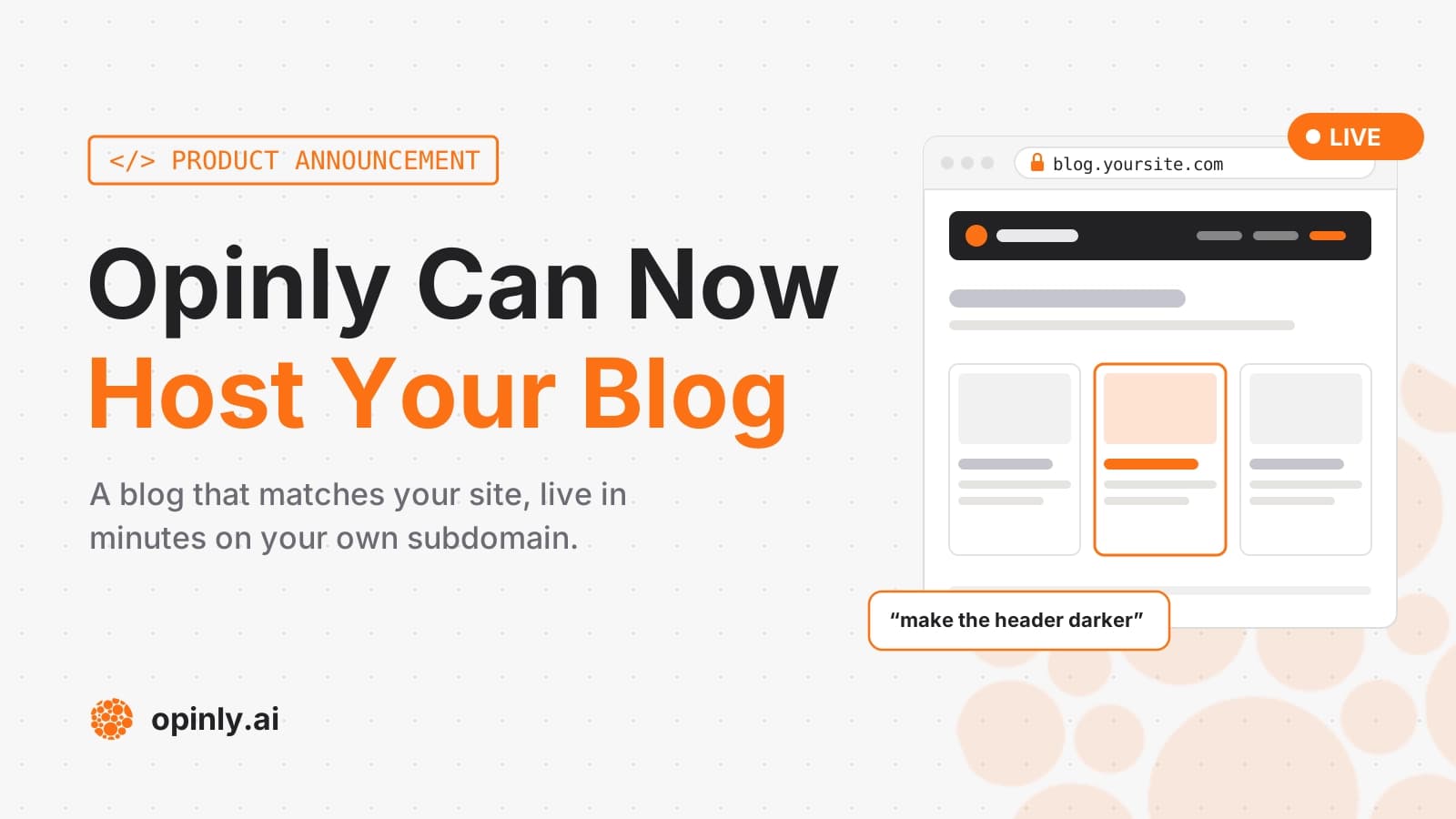
Opinly can now host your blog. Pick Hosted blog as your platform and Opinly designs a blog that matches your website, puts it live within minutes, and publishes every post you write to it. Put it on your own subdomain, like blog.yoursite.com, and change the design any time by asking for it in plain words. It's included in every plan, at no extra cost.
Why we built this
Opinly publishes straight to WordPress, Shopify, Webflow, Wix, Framer, HubSpot and GoHighLevel, plus custom sites through the SDK. But a lot of the businesses we talk to don't have a blog at all. Their website runs on a builder with no blog, or on a custom site where adding one means a developer. So they write in Opinly and copy every post across by hand, or the posts never go anywhere.
A hosted blog removes that step. There's no CMS to set up, no plugin to install and no developer to wait for. Opinly writes the posts and Opinly puts them live, on a blog that looks like it belongs to your site.
How does it work?
Pick Hosted blog. In Content, choose Hosted blog from the platforms. If you're already set up on another platform, an org admin can switch from Settings → Account → Content Settings with Change integration.
Opinly designs it for you. It reads your website and builds a blog to match: your brand colours, fonts and logo, and a header and footer like your site's. You don't wait for it: setup carries on, and the blog usually goes live within a few minutes at an address like
yourcompany.opinly.blog.Publish as normal. Every post you publish in Opinly appears on your blog straight away, and every post you've already published shows up there too.
Change the design by asking
Blog Design in your dashboard is a designer you talk to. Ask for what you want, like "make the header darker", "show three posts per row" or "add a link to our pricing page in the menu", and watch it change in a live editor beside the chat.
Nothing goes live until you say so. The designer builds a private preview with your unpublished posts included, and publishing it to your real blog waits for your approval. The only exception is your very first design, which goes live by itself so your posts have somewhere to land.
Put it on your own address
A blog on your own subdomain, like blog.yoursite.com, is credited to your site by search engines. Moving yours there takes one DNS record:
Opinly works out who manages your domain's DNS and shows the steps for that provider, with a link straight to its DNS settings. Cloudflare, GoDaddy, Squarespace, Wix, Hostinger, Amazon Route 53, Namecheap and IONOS get their own steps; everyone else gets general ones.
It tells you what's wrong while it waits: Cloudflare's proxy hiding the record, a name that points somewhere else, or an old record in the way.
Someone else runs your domain? Copy the steps, or email them straight to whoever manages it from the same card. If the record still isn't there after a day, Opinly reminds you.
Once the record is in, Opinly sets up HTTPS, usually within minutes, and your blog is served at your address. Publish the design once from Blog Design to make it your blog's main address: your posts' links switch to it, and the old opinly.blog address forwards visitors there.
What else you get
Fast pages. Your blog is served from a global CDN, so it loads quickly wherever your readers are.
Analytics built in. If you use Opinly's web analytics, your hosted blog is tracked automatically.
Your images on your domain. Post images load from your blog's own address, not a third-party one.
What's not included
We'd rather be straight about the edges:
Subdomains only. A hosted blog lives on a subdomain like
blog.yoursite.comor itsopinly.blogaddress, never on your main domain or a folder likeyoursite.com/blog. For a blog inside your own site, connect your CMS instead.One address of your own per blog.
No plugins. The designer works with what the blog already includes, and doesn't add tracking scripts or code from other sites unless you ask for a specific, well-known one.
Design, not content. The designer changes how your blog looks, not what your posts say. You edit posts in Content as usual.
Frequently asked questions
Is Opinly's hosted blog free?
Yes. A hosted blog is included in every Opinly plan, at no extra cost.
Can I use my own domain?
Yes, on a subdomain such as blog.yoursite.com. Add one CNAME record where your domain's DNS is managed, and Opinly sets up HTTPS for you. It can't go on your main domain or in a folder like yoursite.com/blog.
Do I need a developer?
No. Opinly designs, builds and hosts the blog. If someone else manages your domain, send them the DNS steps from your dashboard.
What happens to posts I've already published?
Every post you've published in Opinly appears on your hosted blog. If you've copied some to your own site by hand, they'll be in both places until you remove one copy.
Can I change the design later?
Any time. Ask for changes in Blog Design in plain words, check the preview, and approve it before it goes live.
Get started
Open Content in your Opinly dashboard and pick Hosted blog. Your blog is usually live before you've finished setting up. Already on another platform? See every way Opinly publishes in the integrations overview.
Get started with Opinly to put your traffic on auto-pilot
Don't wait for the perfect moment. Start building your SEO and LLM presence today with Opinly.