HTTP vs HTTPS: Secure Your Web Traffic
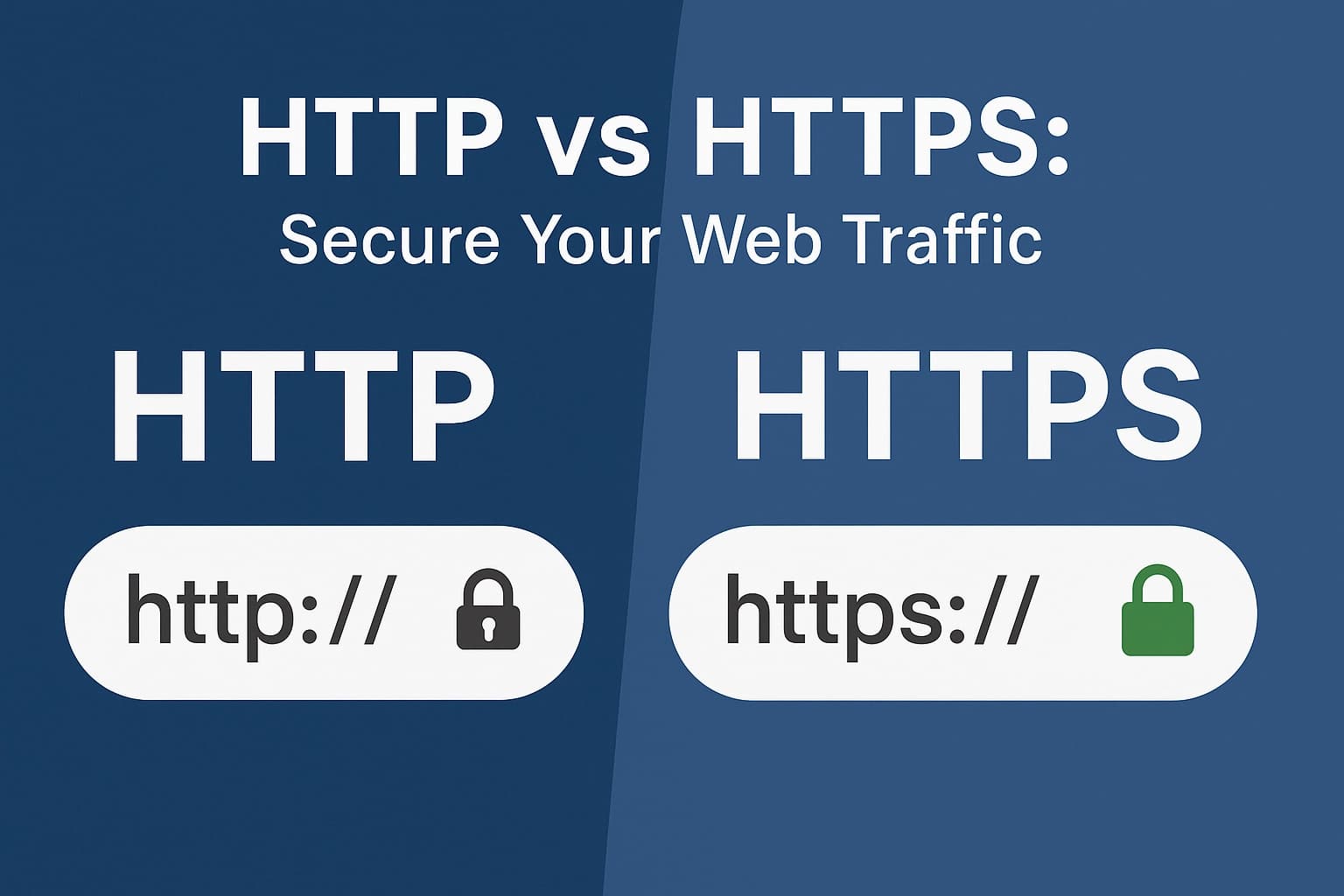
Your site might load quickly, but is the data traveling between browser and server actually safe? That one letter in the address bar—HTTP vs HTTPS—determines whether information is sent in readable cleartext or protected with encryption. With modern browsers flagging non-secure pages and users expecting the padlock, understanding the move from http a https is no longer optional; it’s foundational for anyone putting content on the web.
In this beginner-friendly, technical comparison, you’ll learn what HTTP does under the hood, how HTTPS layers TLS to add encryption, integrity, and server identity, and why that matters for logins, forms, and analytics. We’ll break down certificates and certificate authorities, explain browser warnings and mixed content, and outline practical impacts like performance (HTTP/2 and HTTP/3), SEO benefits, and user trust. You’ll also get a straightforward checklist for migrating to HTTPS, from obtaining a certificate to configuring redirects and testing. By the end, you’ll know exactly when and why to choose HTTPS over HTTP—and how to make the switch confidently.
Comparison Criteria
Security
When comparing http a https, security is the primary differentiator. HTTP transmits data in cleartext, exposing credentials, cookies, and form inputs to interception and manipulation; HTTPS adds TLS encryption, providing confidentiality, integrity, and server authentication. Systematic reviews confirm HTTPS’s critical role in web app security and identity assurance, such as the findings summarized in HTTPS Contribution in Web Application Security. Research also shows that traffic analysis and identification are still possible at metadata levels, underscoring the need for hardened configurations (HSTS, secure cookies, and modern cipher suites). Actionable basics include choosing appropriate certificate types (DV for speed, OV/EV for higher organizational vetting), enforcing 301 redirects, and blocking mixed content—best practices echoed by platform guidance and industry literature.
Performance
Historically, HTTPS added handshake latency, but TLS 1.3 reduces round trips, and session resumption nearly eliminates repeat overhead. More importantly, HTTPS unlocks HTTP/2 multiplexing and header compression, improving throughput; 54.4% HTTP/2 adoption indicates a modern baseline many users already benefit from. HTTP/3 (QUIC) extends these gains further and requires encryption by design. Practical tips: enable OCSP stapling, TLS session tickets, Brotli compression, and CDN edge termination to keep TTFB and page load budgets competitive. In most real-world tests, well-tuned HTTPS equals or outperforms legacy HTTP.
Compatibility
All major browsers and devices fully support HTTPS, with 93.2% of Chrome browsing time already on HTTPS pages. The main compatibility risk is outdated clients lacking TLS 1.2+, so maintain a balanced cipher suite (ECDHE+AES-GCM/CHACHA20) while disabling deprecated protocols. Avoid mixed content errors by serving all assets over HTTPS; use Content-Security-Policy upgrade-insecure-requests to aid migration. For APIs and IoT endpoints, certificate pinning and short-lived certs improve trust while minimizing breakage.
SEO Implications and User Trust
Google gives HTTPS a ranking boost, and 95% of websites on Google use HTTPS by default—meaning HTTP-only pages are at a competitive disadvantage. Browsers label HTTP as “Not Secure,” which decreases conversions, whereas the lock icon and modern TLS boost credibility; 87.6% of websites now present a valid SSL certificate. HTTPS also protects referrer data and supports modern features (Service Workers, HTTP/2 push/103 hints) that can lift Core Web Vitals. Recommendation: default to HTTPS for all sites—especially those with logins or payments—and automate renewals (e.g., ACME/Let’s Encrypt) to reduce maintenance risk. This alignment with user expectations and search engines improves both visibility and trust, smoothing the path for subsequent technical optimizations.
Data Encryption and Web Security
Why HTTP exposes data, and how HTTPS fixes it
HTTP sends requests and responses in cleartext, so anyone on the path—public Wi‑Fi peers, on‑path ISPs, or compromised routers—can read credentials, cookies, and form inputs. Even “Basic Auth” is just base64, not encryption. Query strings, referrers, and session identifiers all travel unprotected, enabling passive surveillance and active tampering. HTTPS wraps HTTP in SSL/TLS, establishing an authenticated, encrypted channel. Modern TLS (ideally 1.3) performs a certificate‑backed handshake, negotiates ephemeral keys (e.g., ECDHE), and uses strong ciphers like AES‑GCM or ChaCha20‑Poly1305 to provide confidentiality, integrity (AEAD), and replay protection—turning http a https closes the on‑path visibility gap.
What goes wrong without HTTPS (real examples)
Consider a café Wi‑Fi: an attacker sniffs HTTP traffic to harvest login forms and session cookies, then hijacks accounts via stolen cookies. Man‑in‑the‑middle modification injects keyloggers, alters checkout totals, or swaps download links with malware. Mixed‑content pages (HTTPS page loading HTTP scripts) leak tokens and allow script injection, nullifying any “padlock” benefit. APIs over HTTP expose bearer tokens; mobile apps suffer the same risks without TLS certificate validation. These are not edge cases—session fixation and credential theft remain top vectors when encryption and cookie flags (Secure, HttpOnly, SameSite) are absent.
Evidence of security gains and actionable adoption
Adoption correlates with safer defaults: 93.2% of Chrome browsing time is now on HTTPS pages; about 95% of websites on Google use HTTPS by default; and 87.6% of sites present a valid SSL certificate. Research (IEEE systematic reviews and AWS security guidance) consistently finds HTTPS critical for web app confidentiality, integrity, and authentication. Network studies, such as the survey of HTTPS traffic and service identification approaches, track this shift and its implications. Modernization continues with HTTP/2 at 54.4% adoption, typically over TLS, improving both security and performance. Practical steps: choose the right certificate (DV for encryption, OV/EV for identity), enforce 301 redirects and HSTS (with preload), enable TLS 1.3, forward secrecy, OCSP stapling, and automatic renewal (e.g., ACME). Audit mixed content, set strict cookies and Content‑Security‑Policy (upgrade‑insecure‑requests), and verify with SSL Labs. These measures protect user privacy end‑to‑end while reducing breach and tampering risk.
Adoption and Prevalence
Overall adoption
HTTPS has become the default transport for the public web, with 87.6% of websites presenting a valid SSL/TLS certificate. Usage telemetry shows 93.2% of Chrome browsing time occurs on HTTPS pages, underscoring a decisive shift from plaintext HTTP. On the infrastructure side, modernization accompanies this shift: 54.4% of origins now advertise HTTP/2, which pairs naturally with TLS for multiplexed, lower-latency delivery. Academic surveys (ResearchGate) tracking HTTPS traffic and identification techniques, along with an IEEE Xplore systematic review, conclude that HTTPS is now critical to web application security. In practical terms, this adoption means that the typical user journey—search, click, transact—rarely leaves encrypted channels.
Google and Chrome signals
Google’s index overwhelmingly favors encrypted content: roughly 95% of websites surfaced on Google use HTTPS by default. Chrome reinforces this preference by labeling HTTP pages as “Not secure,” prioritizing HTTPS URLs for same-content variants, and measuring Core Web Vitals on the secure version. For teams comparing http a https delivery, these signals translate into clearer crawlability, canonicalization stability, and user trust when the HTTPS variant is canonical. Chrome’s HTTPS-First behavior, HSTS preloading, and automatic upgrades where possible further reduce exposure to mixed content and downgrade attacks. Actionably, enforce 301 redirects from HTTP to HTTPS, consolidate sitemaps and canonical tags to the secure origin, and monitor Search Console for mixed-content and redirect chain issues.
Certificate trends and implications
Certificate adoption has accelerated via free, automated DV issuance (e.g., ACME/Let’s Encrypt), while OV/EV persists for regulated or high-assurance use cases. Automation reduces renewal lapses—the most common HTTPS outage—and encourages practices like wildcard and SAN consolidation. Security guidance from AWS and industry checklists stress TLS 1.2/1.3-only cipher suites, HSTS, and OCSP stapling; see HTTPS best practices checklist for a concise rollout plan. For organizations planning an http a https migration, prioritize certificate automation, strict redirect rules, and phased mixed-content remediation. The net effect of widespread HTTPS is improved confidentiality, integrity, and eligibility for modern protocols (HTTP/2, HTTP/3), with tangible gains in SEO and user conversion.
Setting Up HTTPS - Implementation Guide
Choose the right SSL/TLS certificate
If you’re migrating http a https, start by selecting a certificate aligned to your risk profile and deployment model. Domain Validation (DV) is automated, fast, and adequate for blogs, marketing sites, and most SaaS front ends; Let’s Encrypt DV via ACME offers zero‑cost issuance with 90‑day renewals. Organization Validation (OV) and Extended Validation (EV) add publisher vetting that some enterprises and payment flows still require, though modern browsers display minimal EV UI. Use wildcard (*.example.com) for many subdomains or a SAN/UCC certificate when covering multiple hostnames across environments. Given 87.6% of sites now present valid SSL and 95% of Google‑indexed sites default to HTTPS, prioritizing automated issuance and renewal should be your baseline choice.
Configure HTTPS correctly and redirect HTTP
Generate keys securely (ECDSA P‑256 or RSA‑2048/3072), create a CSR, and install the full certificate chain, enabling OCSP stapling. ECDSA is faster; RSA maximizes compatibility. Restrict protocols to TLS 1.2 and 1.3, prefer ECDHE cipher suites, and enable ALPN to unlock HTTP/2; 54.4% adoption of HTTP/2 indicates this is the modern baseline. Apply HSTS (Strict‑Transport‑Security) after validating your site for mixed‑content errors; add preload only when all subdomains are permanently HTTPS. For Nginx, a simple 301 redirect on port 80 (return 301 https://$host$request_uri) ensures canonicalization; in Apache, use RewriteRule with permanent flags. To simplify hardening, start from the Mozilla SSL Configuration Generator, selecting “Intermediate” for broad client compatibility.
Address common pitfalls and maintain security
Typical pitfalls include incomplete chains (mobile trust failures), SNI issues behind load balancers, ALPN/HTTP/2 negotiation gaps, and mixed content from third‑party scripts. Evidence from IEEE reviews and ResearchGate surveys underscores HTTPS as essential for authentication and app security, and Chrome users spend 93.2% of time on HTTPS, so breakage will be noticed. Automate renewals with ACME, monitor expiry, rotate keys annually, and add canary checks and dashboards for handshake errors and TLS version drift. Use SSL Labs for periodic scans, enable session resumption, prefer CT monitoring over HPKP, rely on passive TLS telemetry for visibility, and adopt HTTP/3 when your CDN supports it. These practices keep your http a https migration robust and future‑proof.
Challenges of Transitioning to HTTPS
Transitioning from http a https often exposes redirect complexity: choosing 301 (permanent) over 302, consolidating www vs non‑www, normalizing trailing slashes and query strings, and eliminating chains or loops; mixed‑content assets can also break the padlock and dilute crawl signals. Mitigate by enforcing build‑time link rewriting and a Content‑Security‑Policy upgrade‑insecure‑requests directive, then validate in staging with synthetic checks and log analysis, as surfaced in a ResearchGate survey of HTTPS traffic monitoring techniques. Expect temporary SEO volatility while indices are rebuilt, even though HTTPS is a positive ranking factor and the norm—93.2% of Chrome browsing time is on HTTPS pages and 95% of websites on Google default to HTTPS. Reduce the dip with site‑wide 301s, updated canonical/hreflang tags, regenerated sitemaps, and verified coverage; defer HSTS (and especially preload) until redirects are stable, and enable HTTP/2 (54.4% adoption) to offset TLS handshake overhead.
SSL/TLS deployment presents hurdles: choosing DV/OV/EV plus wildcard or SAN, managing keys and intermediates, enabling OCSP stapling and ALPN, and aligning ciphers with TLS 1.2+/1.3; an IEEE Xplore review and AWS guidance underscore that HTTPS adds encryption, integrity, and authentication absent in HTTP. Compare options: self‑managed ACME (e.g., Let’s Encrypt) on Nginx/Apache has the lowest cash cost but higher operational risk, while CDN or cloud load‑balancer managed TLS costs more monthly yet automates issuance/renewals, enforces HTTP→HTTPS, and often bundles WAF and edge caching. For small businesses, fees to commercial CAs, CDN plans, and engineering time are the main expenses, but zero‑cost CAs and managed certificates compress marginal costs, and ecosystem maturity shows with 87.6% of sites presenting valid SSL. Roll out in phases (canary/blue‑green), keep dual HTTP/HTTPS briefly, and alert on certificate expiry, 5xx spikes, and redirect loops, combining synthetic probes with on‑host telemetry; then harden with PFS suites, Secure/HttpOnly/SameSite cookies, and HSTS after validation; for most beginners, use DV plus CDN‑managed TLS and staged HSTS, while regulated teams pick OV/EV on dedicated load balancers.
Conclusion and Recommendations
Why HTTPS wins and who should adopt
In a side‑by‑side view, HTTPS delivers confidentiality, integrity, and server authentication, while HTTP exposes traffic to interception and tampering. Industry research (including systematic reviews on IEEE Xplore) consistently identifies HTTPS as foundational for web application security, with additional emphasis on its role in authentication and authorization workflows. Real‑world adoption confirms the shift: 93.2% of Chrome browsing time is on HTTPS pages, 87.6% of sites present a valid SSL certificate, and 95% of websites on Google use HTTPS by default. Compared with HTTP, HTTPS also unlocks modern capabilities—secure contexts for service workers, stronger cookie protections, and performance gains via HTTP/2, now observed at 54.4% implementation. The trade‑off is minimal operational overhead (certificate lifecycle management) versus material risk reduction, aligning with guidance that distinguishes HTTP’s cleartext from HTTPS’s encrypted, authenticated channel.
Practical transition checklist and ongoing maintenance
For teams migrating http a https, prioritize a structured rollout: inventory domains, enforce 301 redirects, normalize www/non‑www, and fix mixed content, then enable HSTS (preload only after verifying redirects). Choose certificate types by risk: DV for speed and automation, OV/EV for higher organizational assurance; automate renewals via ACME or managed certificates. Harden transport with TLS 1.2+ (prefer TLS 1.3), strong ciphers, OCSP stapling, and certificate transparency monitoring; apply Secure, HttpOnly, and SameSite to auth cookies. Continuously test with header audits and TLS scans, and monitor traffic using techniques highlighted in HTTPS traffic identification studies. Set owners, timelines, and KPIs (redirect success rate, percent HTTPS requests, renewal SLAs). The recommendation is clear: prioritize HTTPS now to protect users, preserve trust, and align with the secure, modern web.
Get started with Opinly to put your traffic on auto-pilot
Don't wait for the perfect moment. Start building your SEO and LLM presence today with Opinly.